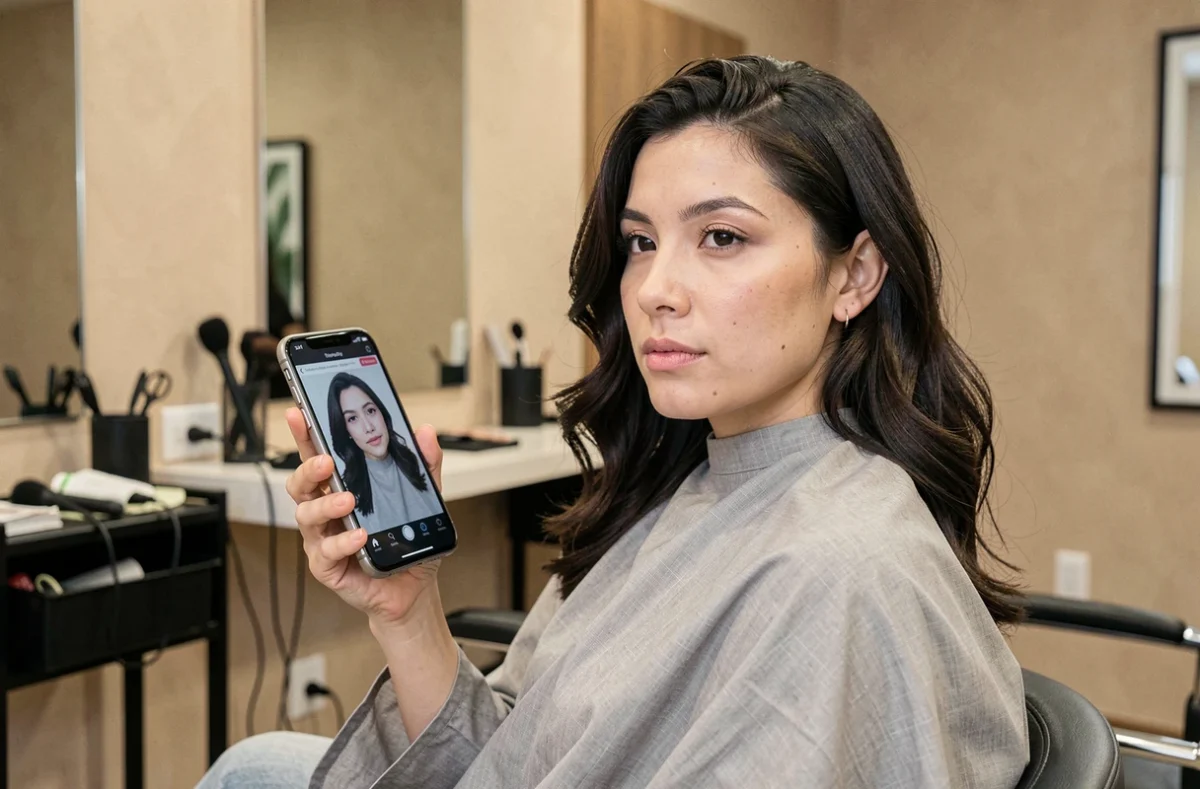
Take a photo with your phone, upload it to an app, and within seconds a long bob or pixie cut appears on your face.
The result is appealing, but a haircut simulation doesn’t account for your hair’s actual density, cowlicks, curl shrinkage, or history of chemical treatments. Starting with a photo is an excellent first step, as long as you know how to interpret it and what to do with it at the salon.
Starting photo: what can throw off the simulation before you even choose a style
Before trying any haircut, the quality of the original photo makes all the difference. An angled shot, harsh lighting, or strands covering your hairline can throw off the virtual haircut placement and distort how your facial proportions appear.
For a useful starting point, choose a front-facing photo taken at eye level in soft, even light, with your face completely unobstructed. You don’t need professional equipment: a light-colored wall, a nearby window, and an outstretched arm are all you need.
The most common mistake is using a selfie taken from below. A phone’s wide-angle lens distorts the jaw and forehead, leading the algorithm to suggest haircuts that don’t suit your actual face shape. You might end up with a fringe suggestion for a forehead you think is short, even though it isn’t.
When it comes to choosing the ideal haircut, taking the photo properly is a prerequisite that most people overlook.
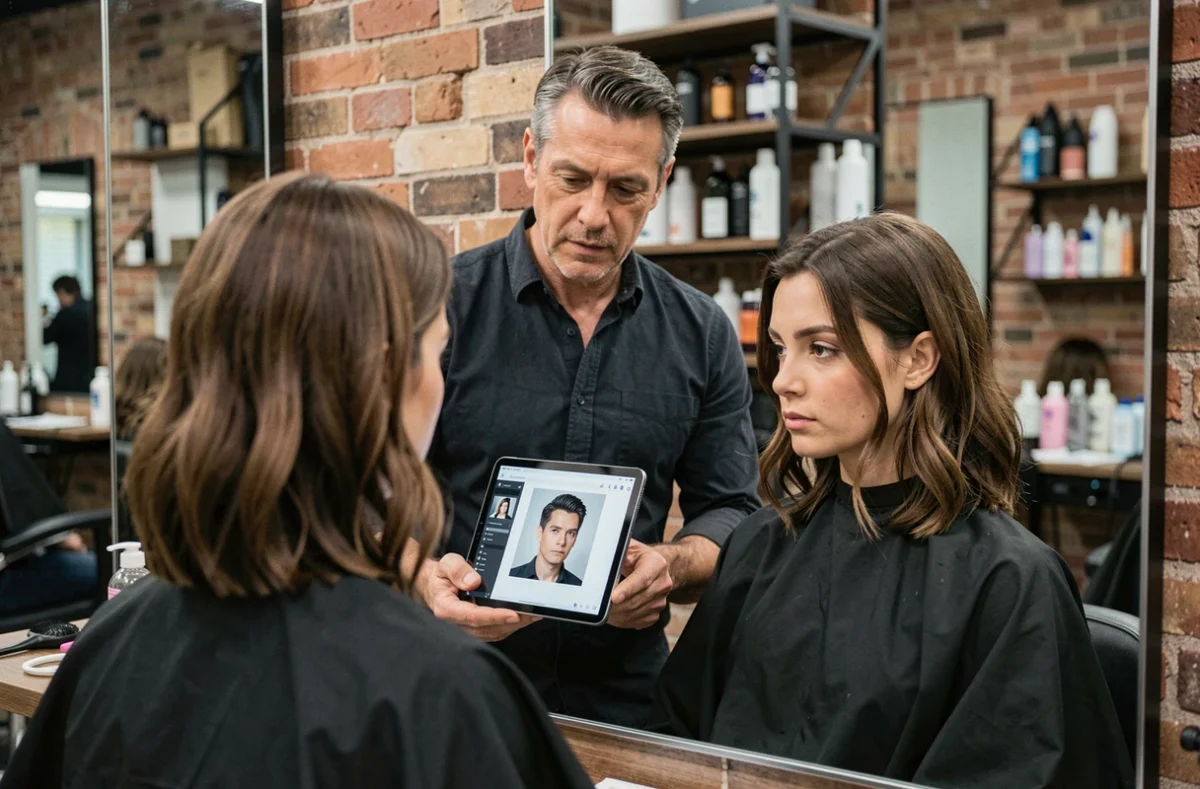
Haircut simulation and real hair texture: why the result looks different at the salon
An image generated by an app isn’t a reliable prediction of the final result. It’s a graphic overlay that places a hairstyle on your face without analyzing what’s actually happening on your head.
What the tool can’t see
Texture, density, and cowlicks are beyond the simulation’s reach. Fine, straight hair will never fall like the thick, structured bob shown on screen. Very curly hair can shrink by several centimeters as it dries, something the app doesn’t model.
General-purpose tools have another limitation: their style libraries often favor straight or slightly wavy hair. The exact style may not be available for braids, locs, or tight curls. Instead, you’re left with a vague category like “curly” that doesn’t describe anything specific.
Turn the simulation into a brief for your hairstylist
The generated image is useful when you treat it as a conversation starter, not an order form. Showing the photo to your hairstylist and asking three specific questions can make all the difference:
- Can this haircut work with my current texture and density, or should the length or layers be adjusted?
- What kind of daily upkeep does this haircut require (drying, products, how often it needs a trim)?
- How different might the result look from the image once my hair is dry and styled naturally?
A hairstylist who sees the simulation can suggest an adapted version rather than trying to recreate an unrealistic image. That conversation is exactly what helps avoid disappointment.
Face shape in a photo: identify your proportions accurately
Face shape is one of the most commonly cited factors when choosing a haircut, but identifying it from a photo can be tricky.
A good starting point is to mentally trace your outline: forehead, cheekbones, jaw, and chin. In a properly taken photo (front-facing, with even lighting), it’s fairly easy to tell whether your face is longer than it is wide, whether your jaw is angular or rounded, and whether your forehead is prominent.
The tricky part is that your current hairstyle often hides your actual face shape. Volume at the sides can make an oval face look round. A thick fringe can hide a high forehead that would completely change the classification. For a more accurate assessment, pull your hair back and take another photo.
Some haircut simulation apps offer automatic face-shape detection. The result varies depending on the photo quality and the algorithm used. If the tool says “oval face” when you’re unsure whether your face is oval or oblong, it’s best to check with your hairstylist, who can assess your bone structure in three dimensions.

Photo privacy and choosing an app
Uploading a close-up portrait to an app means sharing biometric data. Some apps send your image to external servers to generate the result, and data retention practices vary from one service to another.
Read the privacy policy before uploading your photo to find out where the image is processed, how long it’s stored, and whether it’s used to train a model. This isn’t a minor detail: you can’t change your face like you can a password.
A few ways to reduce the risks:
- Choose apps that process images locally on your phone without transferring them to a remote server
- Check whether the app lets you delete your data after use
- Avoid services that request full access to your photo library when they only need one image
This isn’t just about privacy: an app that handles data responsibly is generally more reliable when it comes to the quality of its results, because it invests in its product rather than data collection.
A haircut simulation is a valuable tool for exploring styles without cutting your hair. It shows you a direction, not a destination. A salon visit, with a well-taken photo and the right questions, turns that direction into a haircut that accounts for what no algorithm can measure: how your hair behaves day to day.